"Did I Actually Make Money?" (And 4 Other Questions Your Craft Fair Numbers Can Answer)

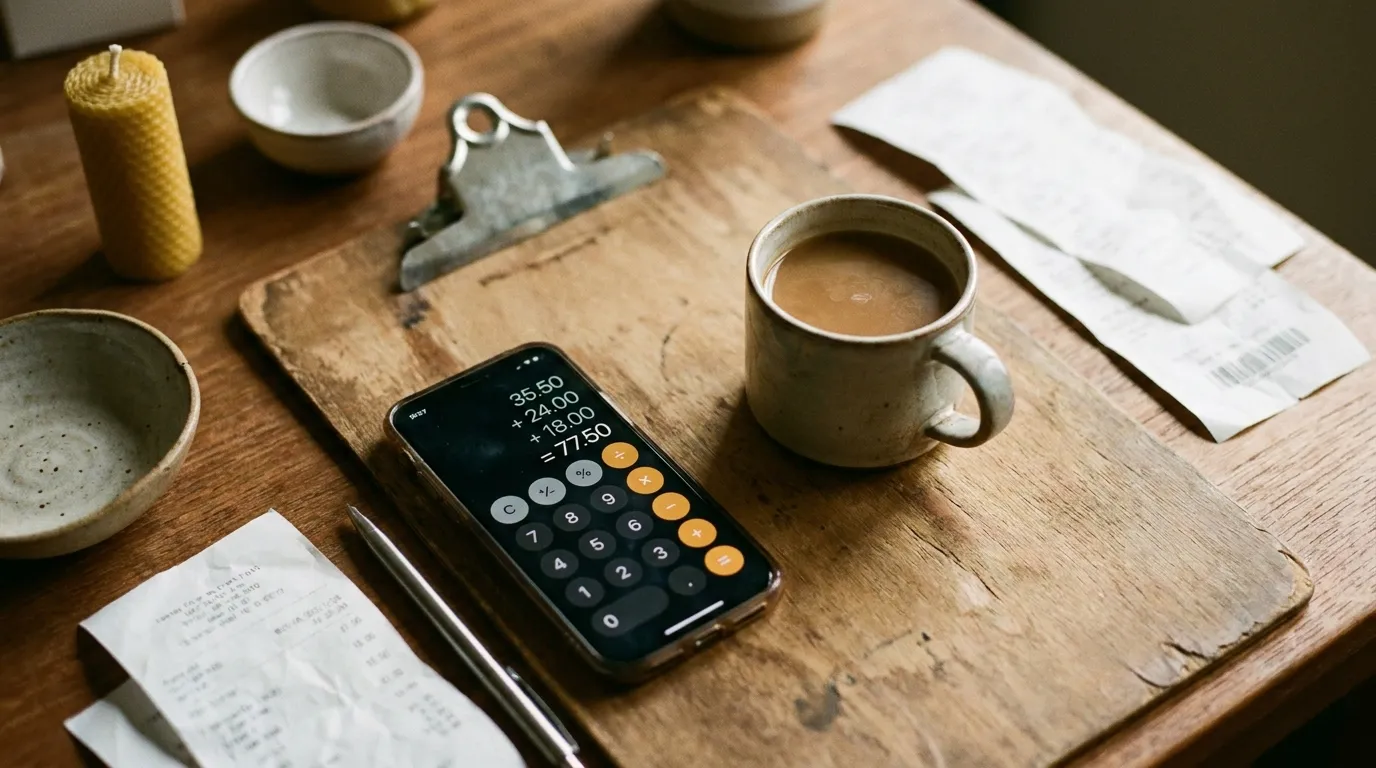
You packed up the booth, drove home, and now you're on the couch doing the mental math. "I think today was good? Maybe?" That foggy post-event feeling is universal. You remember the rush around 11am. You remember the woman who bought four things at once. But you can't quite say whether the day was actually good or just busy.
Here's the thing: busy and profitable are not the same. A packed booth can still lose money once you add up everything it cost to be there. A quiet afternoon can still beat your hourly rate at a day job if the right people showed up and bought the right things.
You don't need a spreadsheet or a business degree to figure out which one it was. You need five questions and about two minutes with your phone calculator. Each question matches up with a simple number, and each number points to a specific decision. No formulas to memorize. Just answers to things you've probably been wondering about anyway.
"Did I actually make money at this show?"
Revenue minus total costs, divided by revenue. That's the whole thing. If the answer is above 70%, the show worked well financially. Above 80% is strong. Below 60%, something needs to change. The key word is "total" because booth fee alone doesn't tell the real story.
Most vendors do a version of this math in their heads, but they leave things out. The booth fee is obvious. The gas, the parking, the lunch you grabbed, the packaging materials you restocked, the toll on the way home: those add up quietly. And then there's the big one nobody wants to count: your time. If you spent four hours prepping inventory, an hour loading the car, an hour driving each way, and eight hours selling, that's fifteen hours of your life. Even at a modest hourly rate, the cost of your time is probably the biggest line item.
Here's a quick way to check. Add up every dollar you spent on the event (booth fee, travel, food, supplies, anything you bought specifically for this show). Then add the value of your time: total hours multiplied by whatever hourly rate feels fair to you. Compare that total to your revenue.
If your costs ate more than 30 to 35% of your revenue, the show was tight. TheCraftMap's budgeting guide recommends keeping total expenses under that 30 to 35% threshold, and that tracks with what most experienced vendors find sustainable.
The founder of Maker's Business Toolkit went from losing money every year to turning a real profit, and the only thing she changed was stopping the shows that didn't pass this test. Sometimes the most productive thing you can do is not go.
Did I Actually Make Money?
Plug in your numbers — results update as you type.
You can run this check even faster if your POS tracks event-level data. Your Square sales reports already have the revenue side handled; you just need to fill in the cost side. And if you want to evaluate a show before you commit, our Booth Fee Evaluator can help you run the math on what you'd need to sell to make it worthwhile.
The number that tells you if your prices are working
If 40 people bought from you and you made $1,200, each customer spent about $30 on average. Does that feel right for what you sell?
That number (total revenue divided by total transactions) is called average transaction value, and it's quietly one of the most useful things you can know. Not because the formula is fancy, but because of what it reveals when it changes.
If your average transaction creeps up over a few events, something is going right. Maybe your higher-priced items are getting more attention. Maybe customers are buying two things instead of one. Maybe that new display arrangement is doing its job.
If it drops, that's worth noticing too. It might mean your lower-priced items are carrying all the weight while the mid-range pieces sit. Or it might mean the crowd at a particular show just wasn't your customer. Both are useful things to know, and both suggest different next steps.
A few things that tend to nudge this number upward, based on what vendors report consistently:
Bundling related items together (a candle and a holder, a set of three cards instead of singles). Placing your mid-range items at eye level while the entry-price pieces sit lower. Having at least one or two "anchor" items priced higher than your average, even if they sell less often; they make everything else feel more reasonable by comparison.
You can find your average transaction value in most POS reports without any math at all. In Square, it shows up in your Sales Summary. If you're pulling item-level reports after each event, you already have this number.
If your ATV isn't where you want it, the issue is usually pricing on individual items rather than the mix. Our Profit Calculator walks through per-product margins so you can see which pieces are pulling their weight and which need a price adjustment.
"Should I do this show again next year?"
Revenue per hour is the number that answers this question honestly. Take your total revenue and divide it by the total hours you spent on the event, from the time you started loading the car to the time you finished unloading at home. That's it.
Here's why this one matters so much. Revenue per hour is the great equalizer. It strips away all the variables that make shows hard to compare (different booth fees, different hours, different distances) and gives you one number you can stack against every other event you've done.
Try this thought experiment. Show A felt amazing: $800 on a sunny Saturday. But the event ran nine hours, you drove 45 minutes each way, and setup took an hour. That's about twelve hours door to door, which puts you at roughly $67 per hour.
Show B was quieter. You sold $500 at a four-hour market ten minutes from your house. With loading and unloading, call it five and a half hours total. That's about $91 per hour.
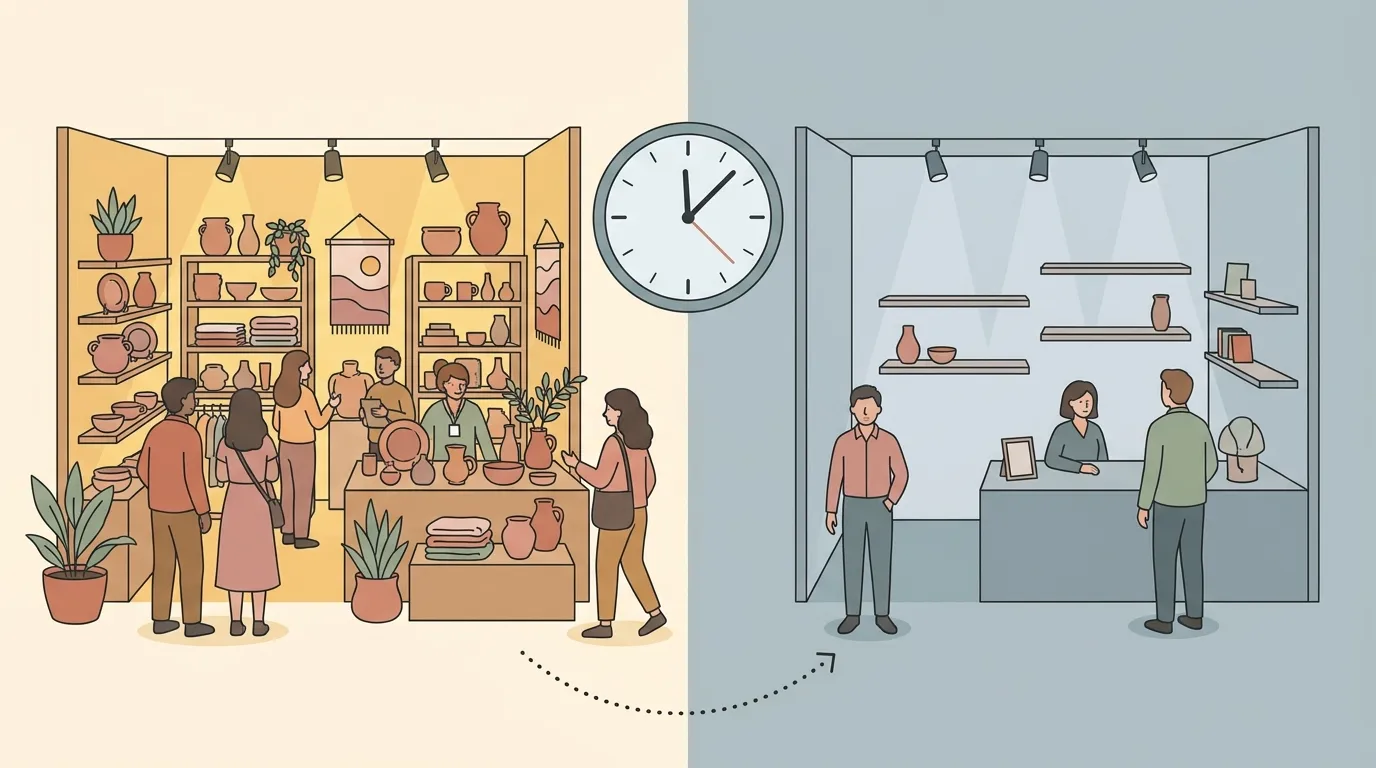
Show B wins, and it's not close. But Show A felt better because $800 is a bigger number than $500. This is exactly how revenue totals mislead you. The absolute number is loud. The per-hour number is honest.
Should I Do This Show Again?
Compare two shows side by side — the per-hour number tells the real story.
After three or four events, sort your shows by revenue per hour. The ranking almost always surprises people. The big flashy market might land in the middle. The low-key neighborhood fair might be near the top. That ranking is your shortlist for next season.
One more thing: if you subtract your costs before dividing by hours, you get your actual hourly profit. That number can be humbling, but it's the truest measure of what a show is worth to you. SmartAsset's breakdown of craft fair economics walks through this calculation in more detail if you want to get precise.
"Am I bringing the right stuff?"
Your sell-through rate is the number of items you sold divided by the number you brought. If you loaded 80 pieces into the car and sold 52, that's 65%. A healthy target is somewhere between 50 and 70% at full price, according to experienced vendors who've tracked this across dozens of shows.
Below 50% and you're hauling too much home. That means wasted production time, extra packing weight, and a booth that might look overstocked (which can actually slow sales by making customers feel overwhelmed). Above 70% and you probably sold out of something before the event ended, which means you left money on the table.
But the overall number is just the starting point. The real insight comes when you break it down by product type.
Maybe your earrings sell through at 80% while your necklaces sit at 30%. That's not a bad show; that's useful information about what to plan to make for the next one. Bring more earrings. Bring fewer necklaces, or rethink the necklace display, or test a different price point.
Over a few events, your sell-through rates by category become a quiet production plan. They tell you what your customers actually want, which is usually slightly different from what you assumed they wanted. Tracking this across three to five shows turns guessing into knowing.
"Was it a slow day, or is it me?"
Every vendor has asked this after a disappointing event. You did everything right, the booth looked great, the weather cooperated, and the sales still didn't come. Was it you? Or was it just a low-traffic day?
Your booth conversion rate helps answer that. It's a rough number (you're estimating, not counting with a clicker) but even a rough answer is better than no answer.
Here's the idea. Think about how many people walked past your booth during the event. Of those, how many actually stopped? And of those who stopped, how many bought something? If the event organizer shared attendance numbers, you can estimate your conversion from total foot traffic to sales: about 1 to 5% of total event attendance buying from any individual vendor is typical.
Why bother with a number this imprecise? Because it separates two very different problems.
If attendance was high but your sales were low, that's a conversion problem. Something about your booth, your display, your prices, or your product mix didn't connect with that particular crowd. That's fixable, and it's worth experimenting with changes.
If attendance itself was low, that's a traffic problem. The event didn't draw enough people. Your booth could have been perfect, and the results would still be thin. That's not fixable by you; it's information about whether to return to that specific event.
Different problems, different fixes. The vendors who focus on show fit rather than scale tend to report better results over time, because they're not wasting energy trying to "fix" a conversion problem at a show that simply didn't have the traffic.
Two minutes after every show (that save you hours later)
If tracking five numbers sounds like homework, here's the shortcut: pair this with your 5-minute post-event debrief. The debrief captures the qualitative stuff (what sold, what didn't, what to change). The numbers capture the quantitative side. Together, they take about seven minutes total, and they give you a complete picture.
Here's all you need to record, right from the driver's seat:
Total revenue (from your POS app). Total number of transactions (also from your POS). How many items you brought (a rough count is fine). Your costs for the event (booth fee plus whatever you spent). How many hours you spent, door to door.
That's it. Five numbers. Phone calculator. Notes app or, even better, a tool that keeps everything together so you can spot patterns across events. MyEventPrep tracks all of this automatically and connects it to your sales data, so you spend less time calculating and more time making.
The important thing to know is that one event tells you almost nothing. Patterns emerge after three to five shows. That's when you start seeing which events consistently perform, which price points your customers prefer, and where your production time pays off. The vendors who track these numbers aren't doing it because they love spreadsheets. They're doing it because, after a few months, the decisions start making themselves.